


MARSTEK VENUS E 3.0- Plug and Play Home Battery
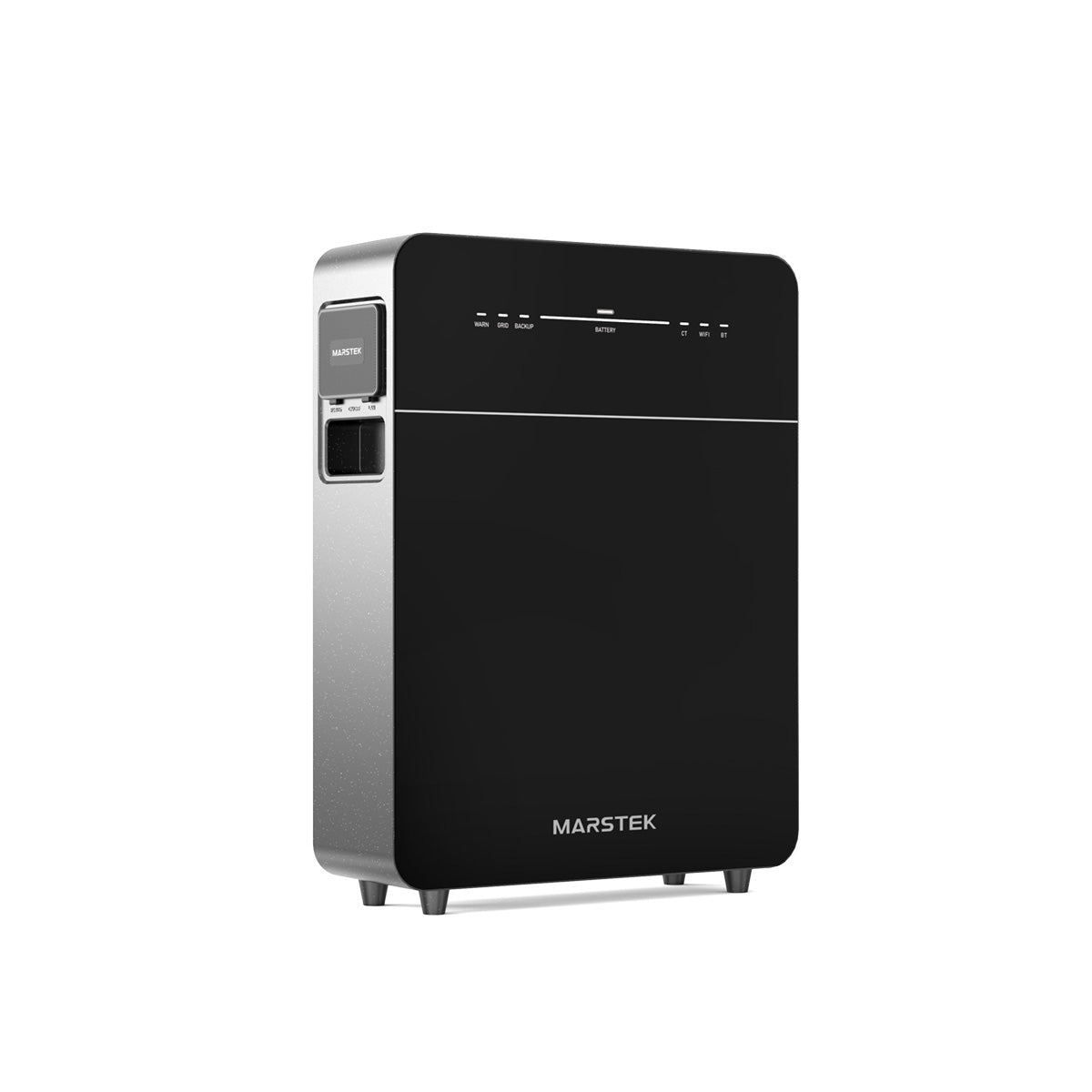
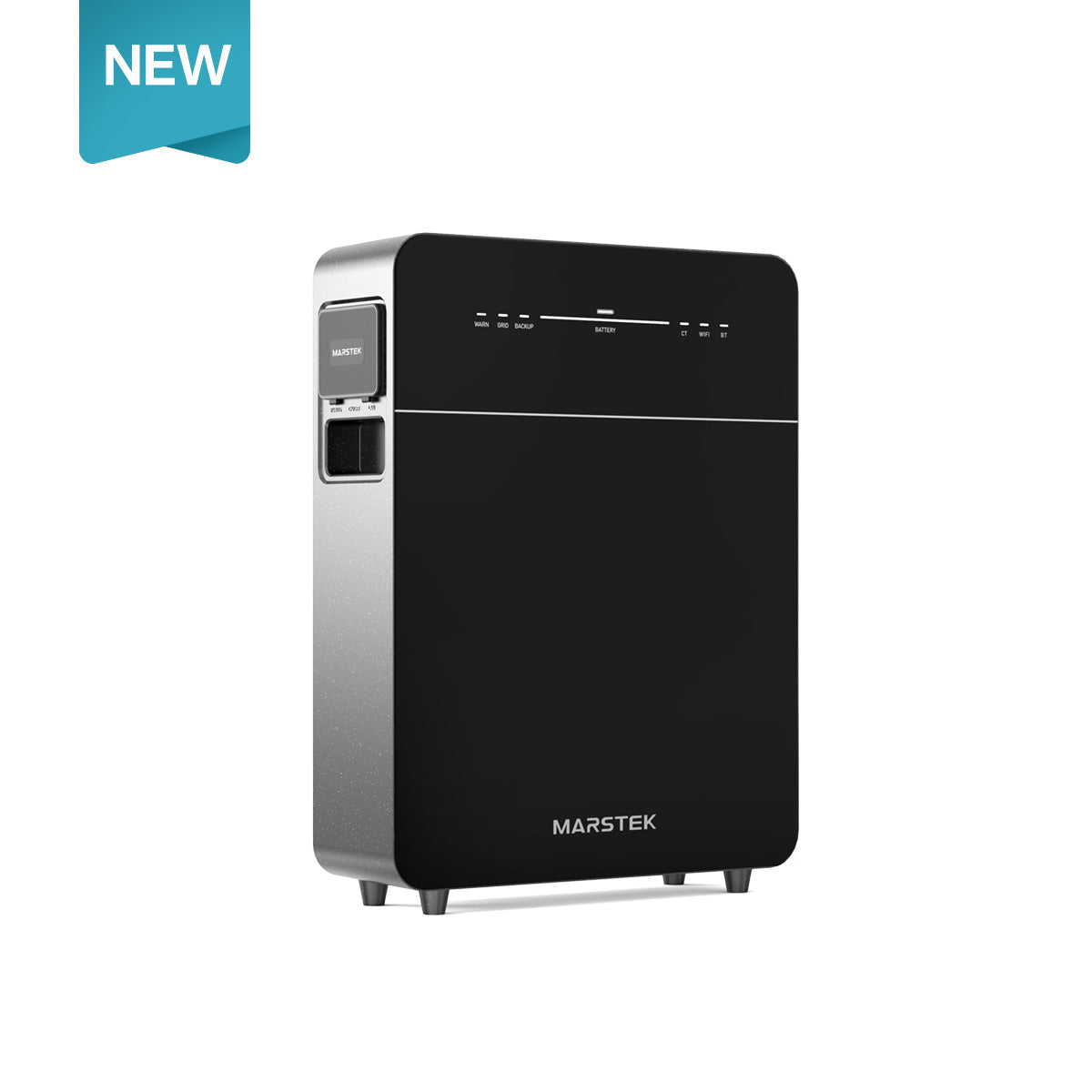
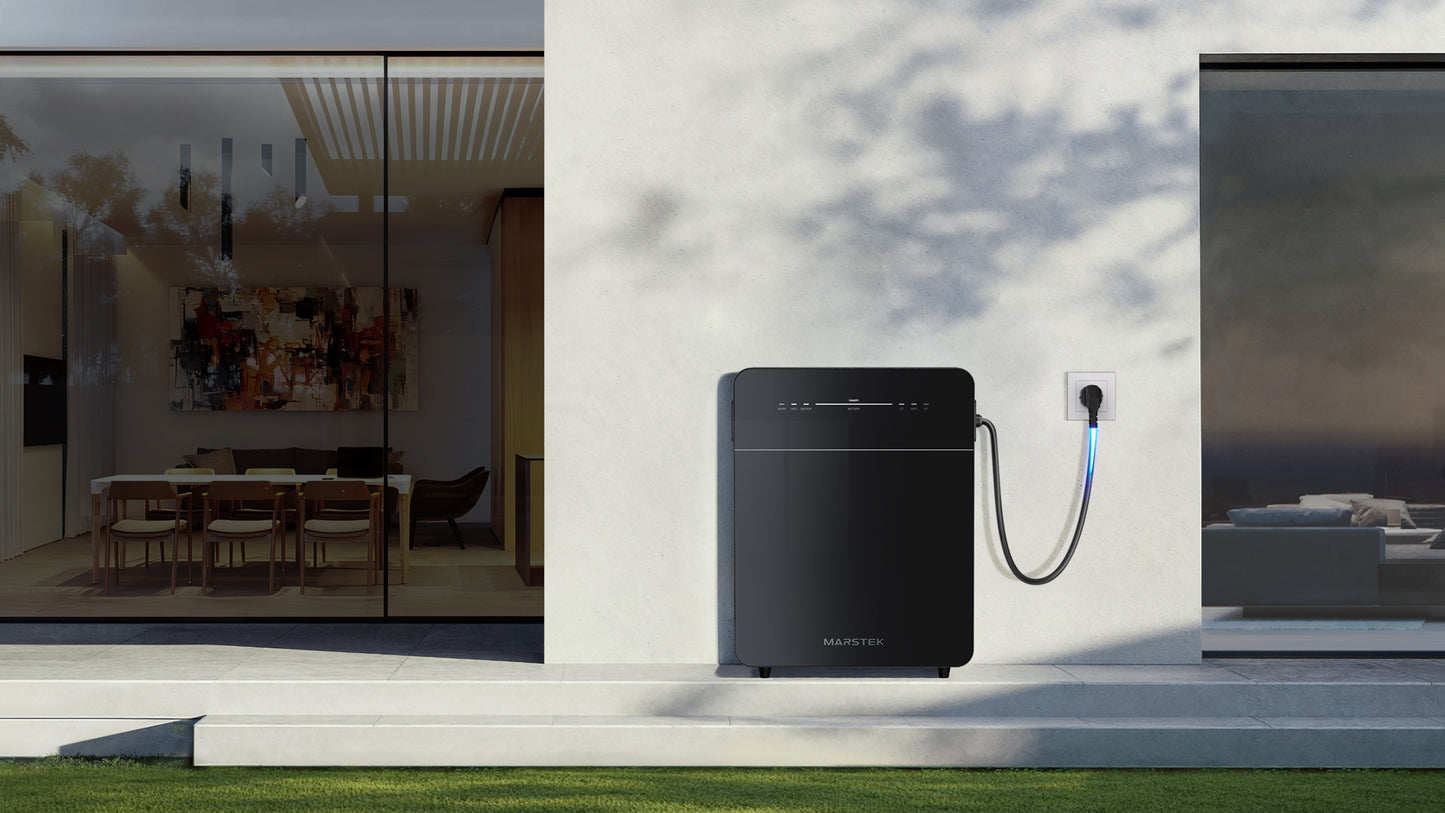
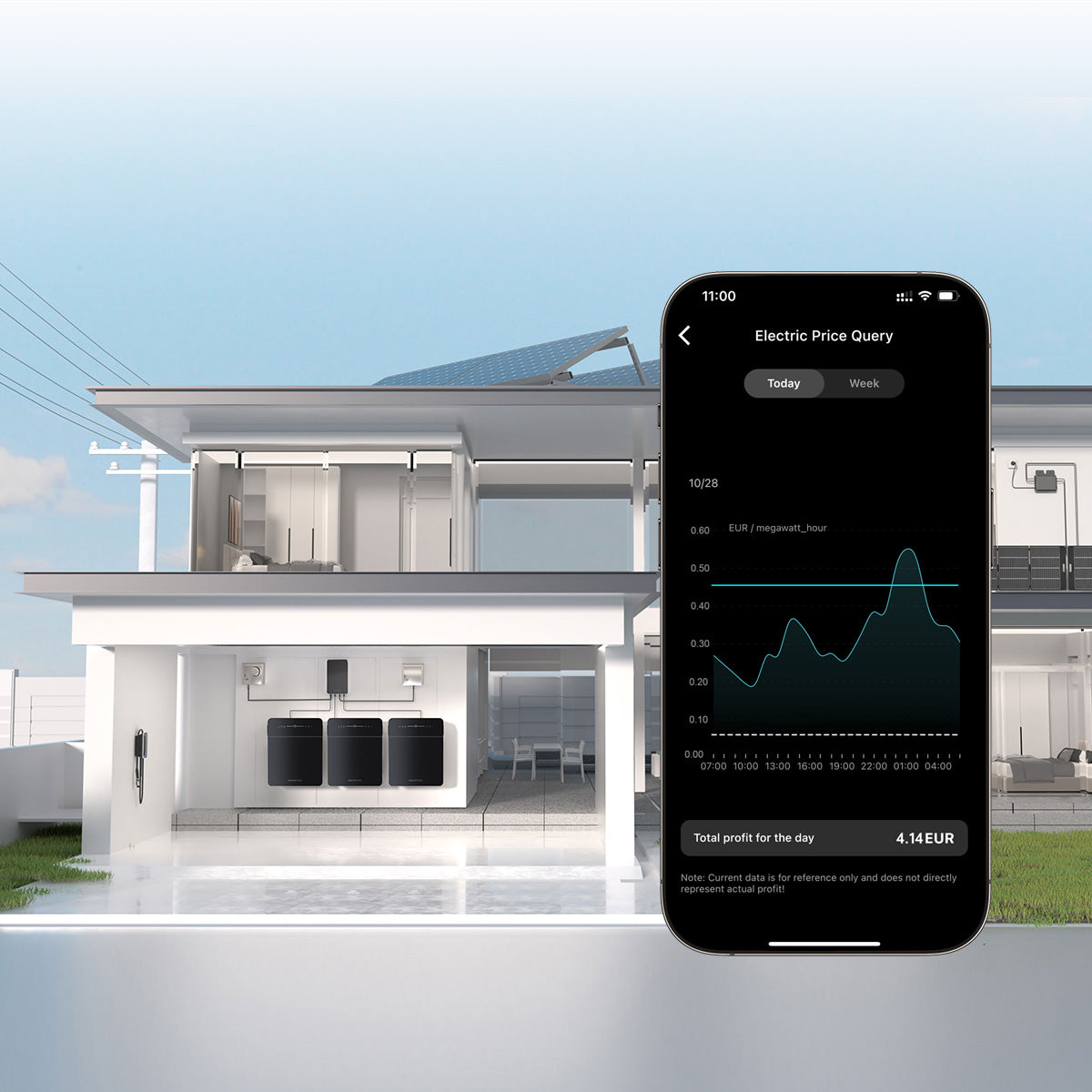
The Marstek Venus E 3.0 5.12 kWh is the next-generation home battery designed for homeowners seeking reliable, efficient, and scalable energy storage. Featuring an upgraded design, enhanced connectivity, and full compatibility with earlier Venus systems, it is ideal for both new installations and expanding existing setups. The Venus E 3.0 combines powerful performance with smart, space-saving integration for modern energy management.
- Fully recessed glass front panel helps reduce the risk of damage during transport and installation
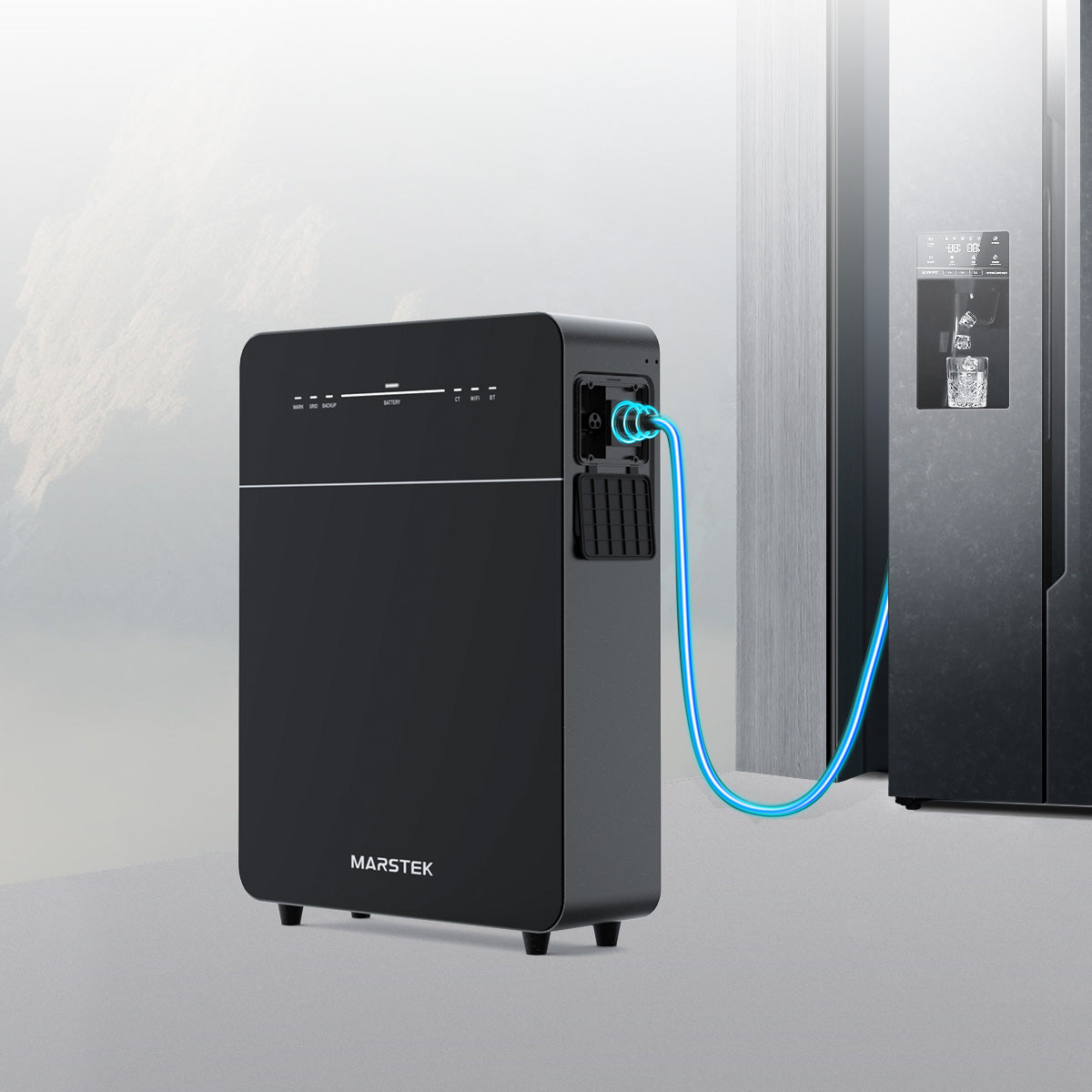
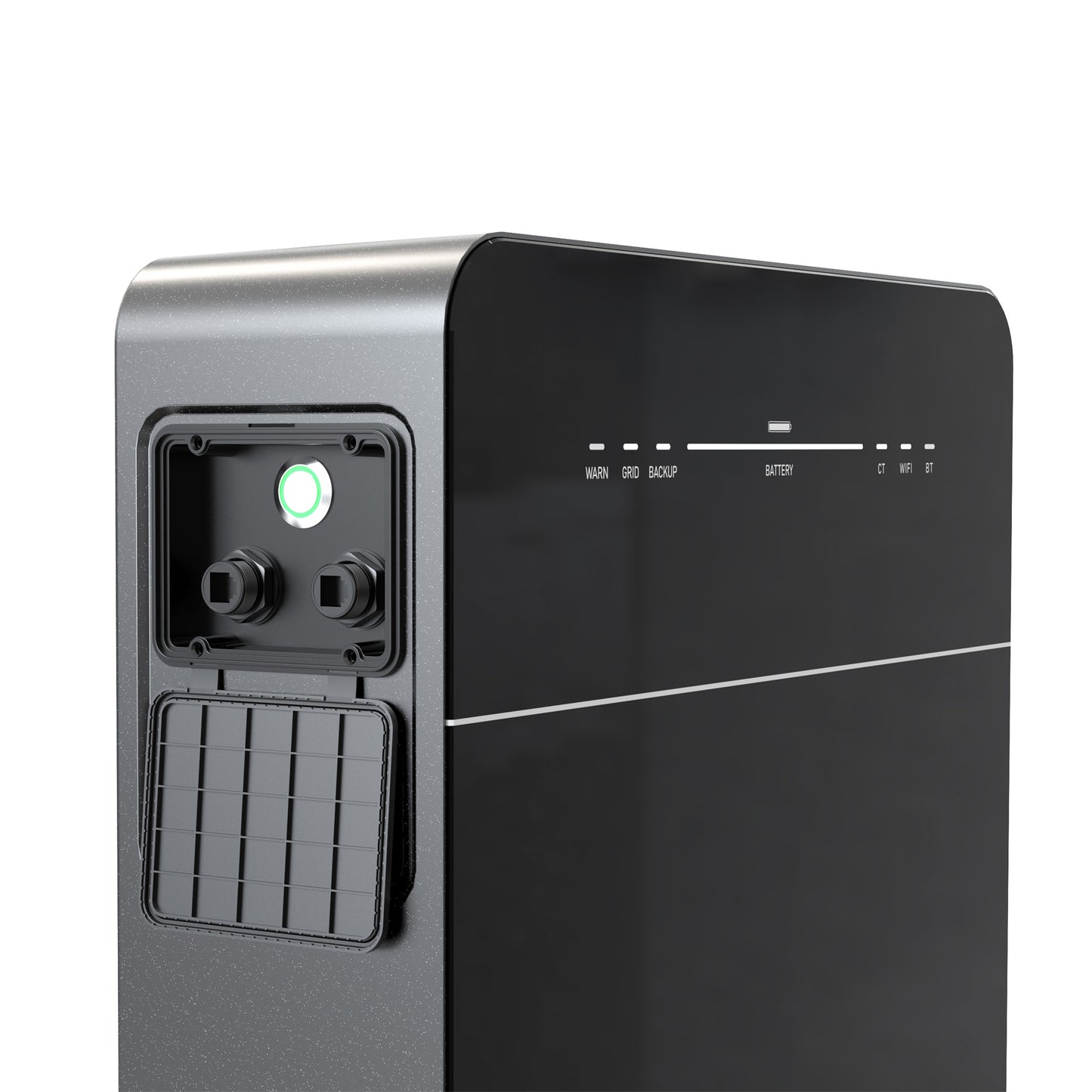
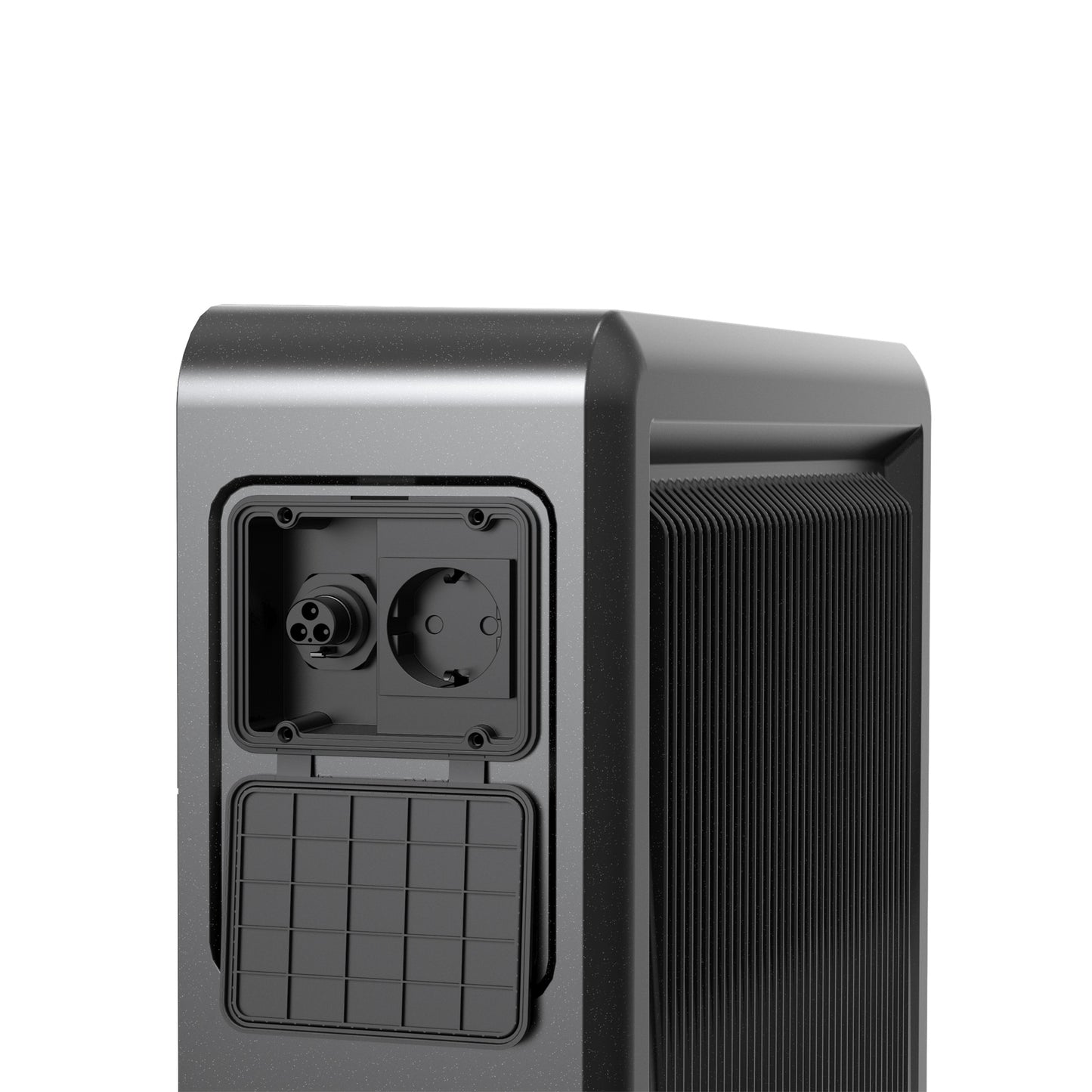
- Integrated RS-485 port and UTP connection provide stable wired communication with smart home and energy management systems
- Supplied with a wall-mount bracket for a clean and space-saving installation
- Compatible with previous Marstek V1 and V2 batteries, allowing seamless integration and combined app control
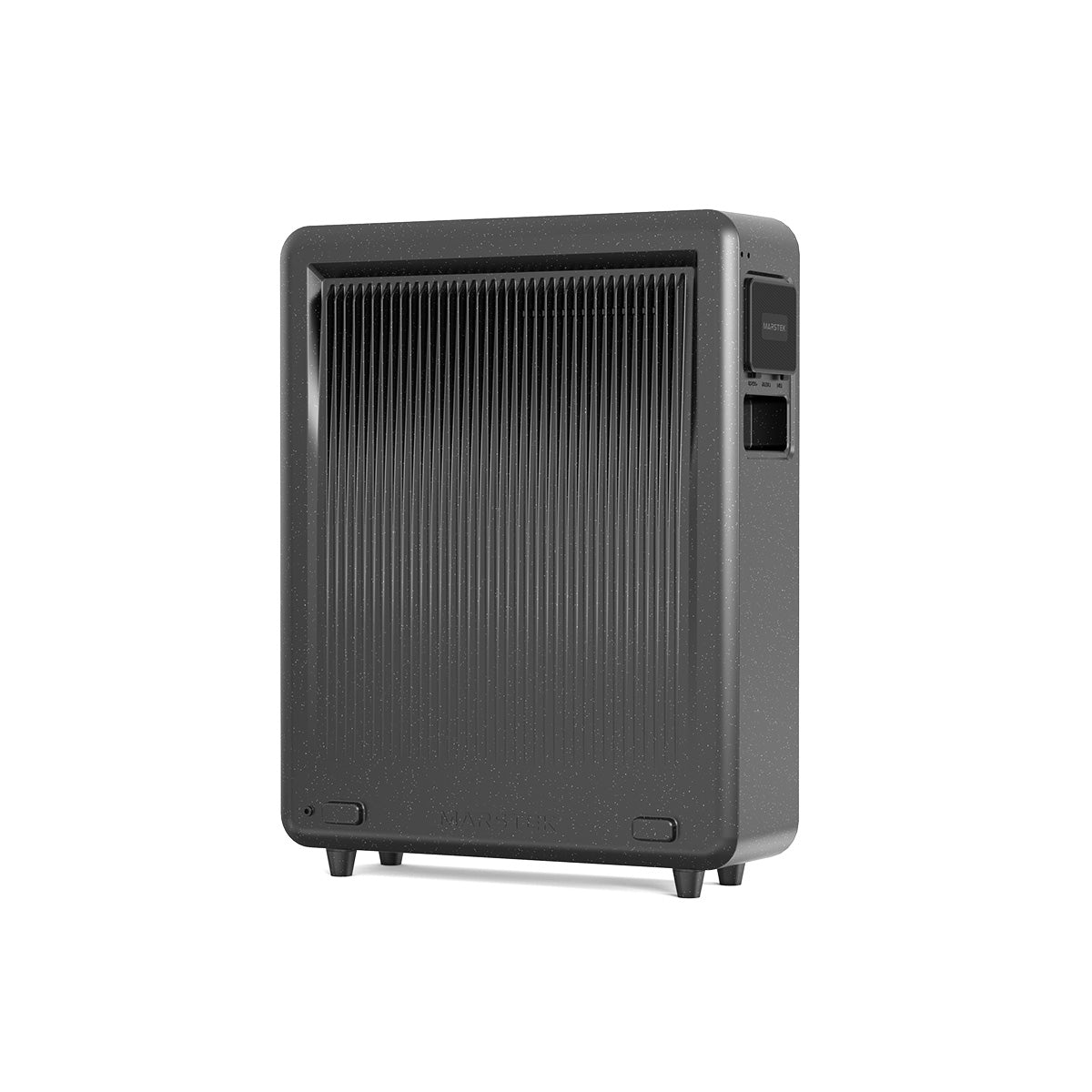
- Redesigned housing with a sleek, modern, and durable construction
- Compact and efficient design allows easy installation in smaller utility rooms and storage areas
Weight: 63kg
Dimensions: 620mm (h) x 480mm (w) x 160mm (d)
- Nominal voltage: 51.2 V
- Capacity: 2.12 kWh per module (expandable to 12.72 kWh)
- Inverter capacity: 1.5 kW
- Output power : 1500 W bidirectional AC
- Backup output: 1500W continuous
- PV input: 4 × MPPT, max. 1400 W, 16 – 60 V, 20 A per tracker
- EPS switching time: < 15 ms
- Battery: LiFePO₄, ≥ 6000 cycles at 90% DoD
- Protection class: IP65
- Communication: Bluetooth, WiFi, Ethernet
- Temperature range: -20 °C – +60 °C
- Regular price
- £1,399.99
- Sale price
- £1,399.99
- Regular price
-
Couldn't load pickup availability
Daniel Hartley
Intelligent Home Energy

Installing Process
-
 Step 1: Download the app & create an account
Download the Marstek app from the App Store or Google Play. Create an account and log in. This way, you can easily connect everything later and see what your battery is doing.
-
 Step 2: Monitor performance by installing a CT002 Meter
This allows the battery to measure your consumption and feed-in, essential for smart control. Note: Electrician may be required to install to consumer unit. Videos available
-
 Step 3: Connect the home battery
Connect the battery to the mains and briefly press the on/off button. Then connect the battery via the app and set your preferred mode.


